Email linking
How it works
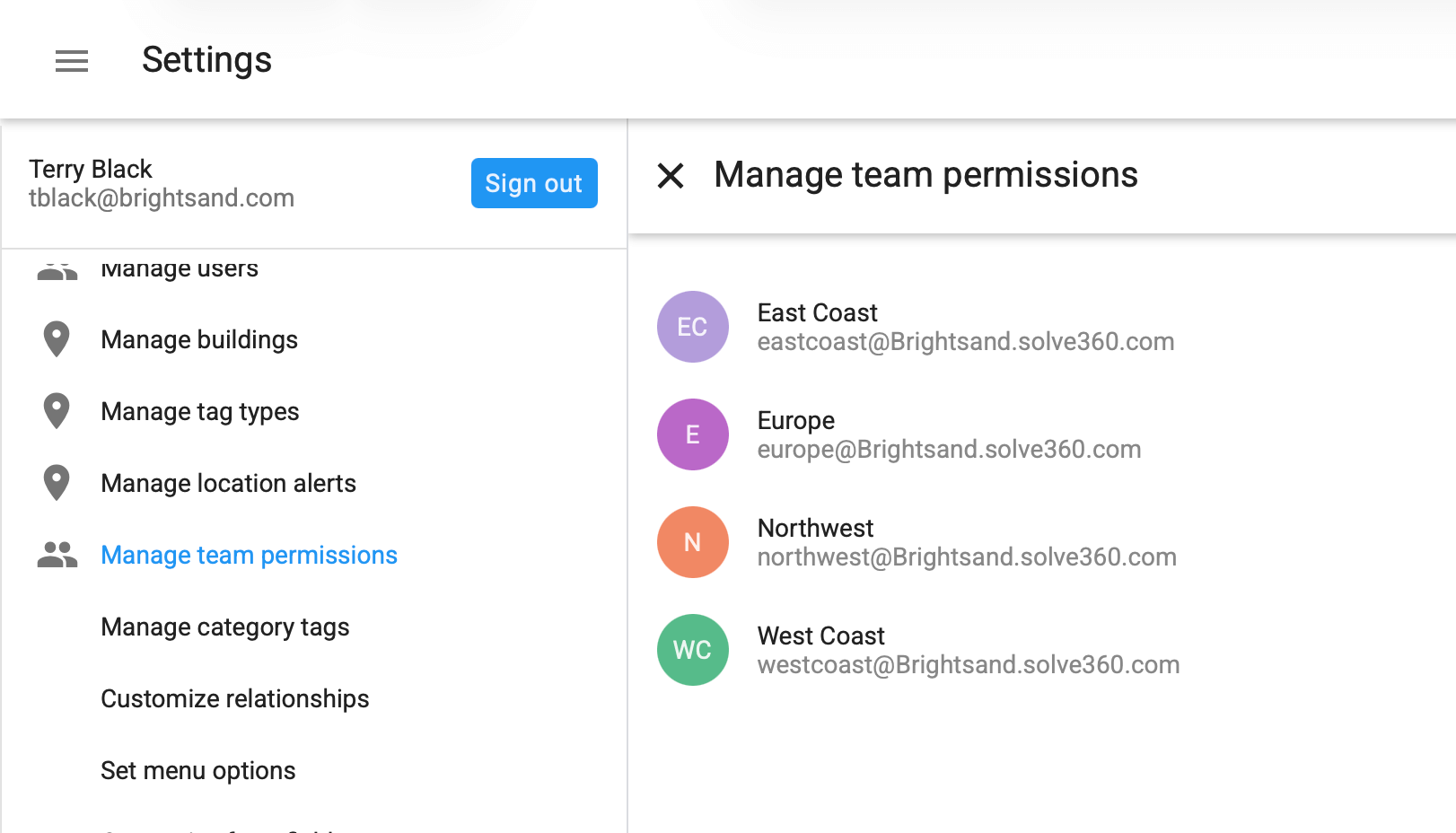
Client Manager provides a workspace BCC email address. When you BCC that address on an email you send, Client Manager saves a copy and links it to the matching record(s).
Step 1. Find your workspace BCC address
- In Client Manager, open Settings.
- Go to Email linking (or similar).
- Copy your workspace BCC address.
Tip: This address is shared by your workspace. Keep it handy.
Step 2. Send an email and link it
- Compose your email as usual.
- Add your workspace BCC address in the Bcc field.
- Send.
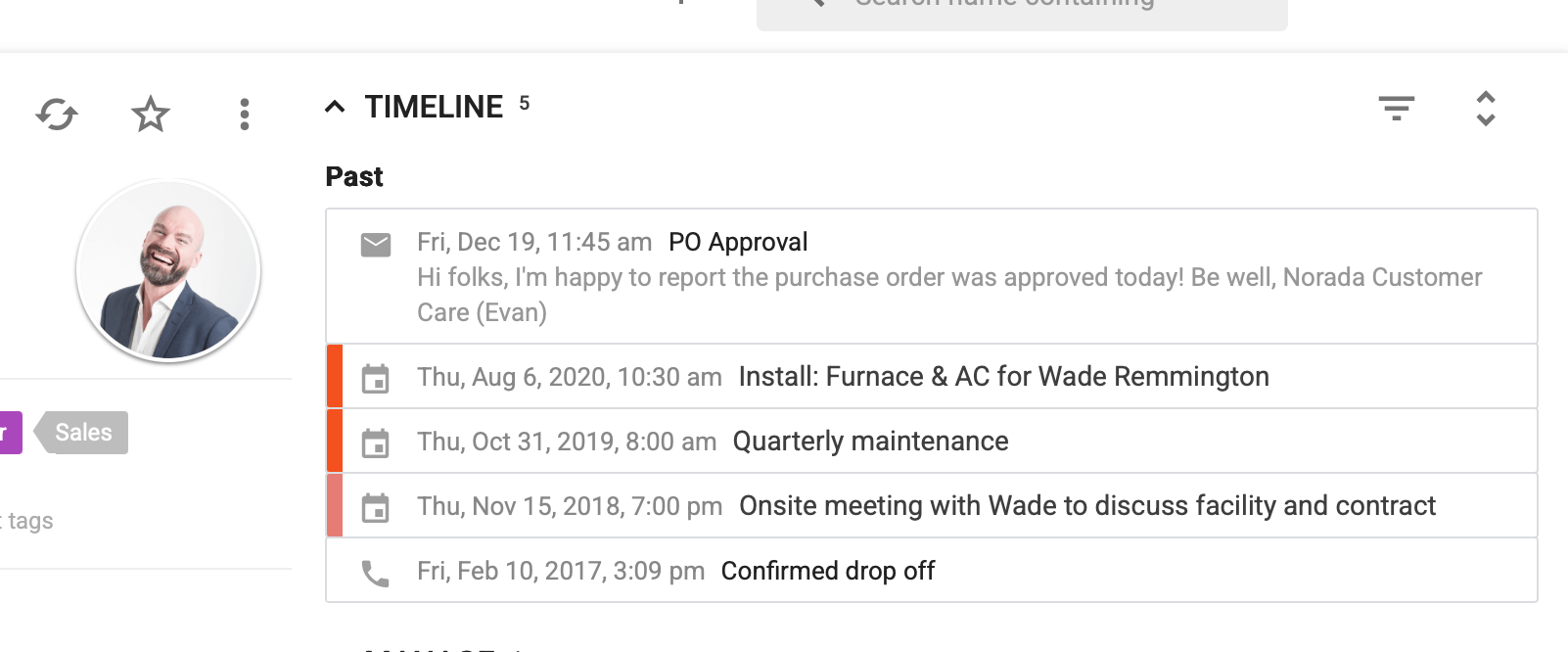
That’s it. The email will appear on the relevant record(s) once Solve receives the message (typically just a few seconds).
Step 3. Keep replies linked
When replying in a thread, add the workspace BCC address again before sending. Many mail clients do not keep BCC addresses on replies by default.
What gets linked
Client Manager links the email to records based on what it can match from the message, such as:
- Recipient email addresses (To and Cc)
- Known addresses stored on a person or company record
- Other identifiers your workspace uses for matching
If an email includes multiple known recipients, it can link to multiple records.
If you forgot to BCC
Open the message in your Sent folder and forward it to the workspace BCC address. Client Manager will process it the same way.
Troubleshooting
If an email did not link as expected:
- Confirm you used the correct workspace BCC address
- Confirm the person or company record contains the right email address
- Refresh the record after a minute
- If it linked to the wrong record, tighten the matching data (for example, correct the email address on the record)
- Confirm you used the correct workgroup BCC address. Use the BCC address for the workgroup that owns the record, otherwise the email may not link or may link in a different workgroup.
FAQ
Will recipients see the workspace address?
No. BCC is not visible to recipients.
Do I need to install anything?
No. BCC works with your existing email setup.